A warehouse cutoff planning board that shows if every carrier will make it
Shift Board is a live planning board for a Dutch 3PL fulfilment company. It compares the open pick backlog with each carrier's cutoff, forecasts the orders still to come and tells the shift lead how many pickers to move. After each pickup it emails a per-carrier SLA report, once.
In short
Shift Board is a warehouse cutoff planning board for a 3PL. It reads open orders from ChannelDock, splits them by carrier cutoff, measures pick rates over 15, 30 and 60 minutes, and forecasts the rest of the day's inflow from 15-minute weekday curves. It advises how many pickers to add, and emails each carrier's SLA result exactly once after its deadline.
- Carrier cutoff groups
- 3 (16:00, 20:00, 23:00)
- Pick-rate windows
- 15, 30 and 60 min
- Scheduled jobs
- 4 cron services
- Exclusion buckets
- 8 reasons
01 / The problem
Why the warehouse cutoff planning board was needed
The warehouse ships close to 3,000 orders a day across several carriers, and each carrier collects at its own time. The old board ran on a single 23:15 deadline. On one evening it read "on track" while hundreds of orders had already missed an earlier carrier's pickup.
The open queue was also wrong. Orders already shipped or with a cancellation request were counted as pickable, so the backlog was over-reported by roughly 40%. Shift leads were planning staff against a number nobody trusted.
Around the board, the daily work still ran on Excel and screenshots. The team leader rebuilt the day schedule by hand each morning, rosters arrived as images from a planning tool with no export, and SLA results were worked out after the fact.
02 / The build
How I approached the build
I rebuilt the order count from the ChannelDock fulfilment center API. Every non-pickable order gets exactly one exclusion reason (on hold, pending, backorder, address check, future date, blocked, completed or cancelled), so the buckets always add up. A verification script checks the classifier against independent predicates. Carriers are grouped by shipment method ID, not name, because two "DHL" services leave on different runs.
The forecast uses 15-minute blocks. The baseline is the six most recent matching weekdays, weighted 30/25/18/12/8/7, with outlier capping per block. A live day factor adjusts it by how today is running, and may move at most 0.10 per quarter hour so every screen shows the same stable number. A deadline planner then plays the floor forward a quarter hour at a time, earliest cutoff first.
SLA emails run from a cron every 5 minutes, but the cron decides nothing. Each run asks for emails that are due and not yet sent, and claims each one in a Firestore transaction before sending, so two runs can never both deliver it. A 5-minute refresh job records order blockers all day, an hourly job stores snapshots, and a nightly job rebuilds missing history inside the API rate budget.
03 / Capabilities
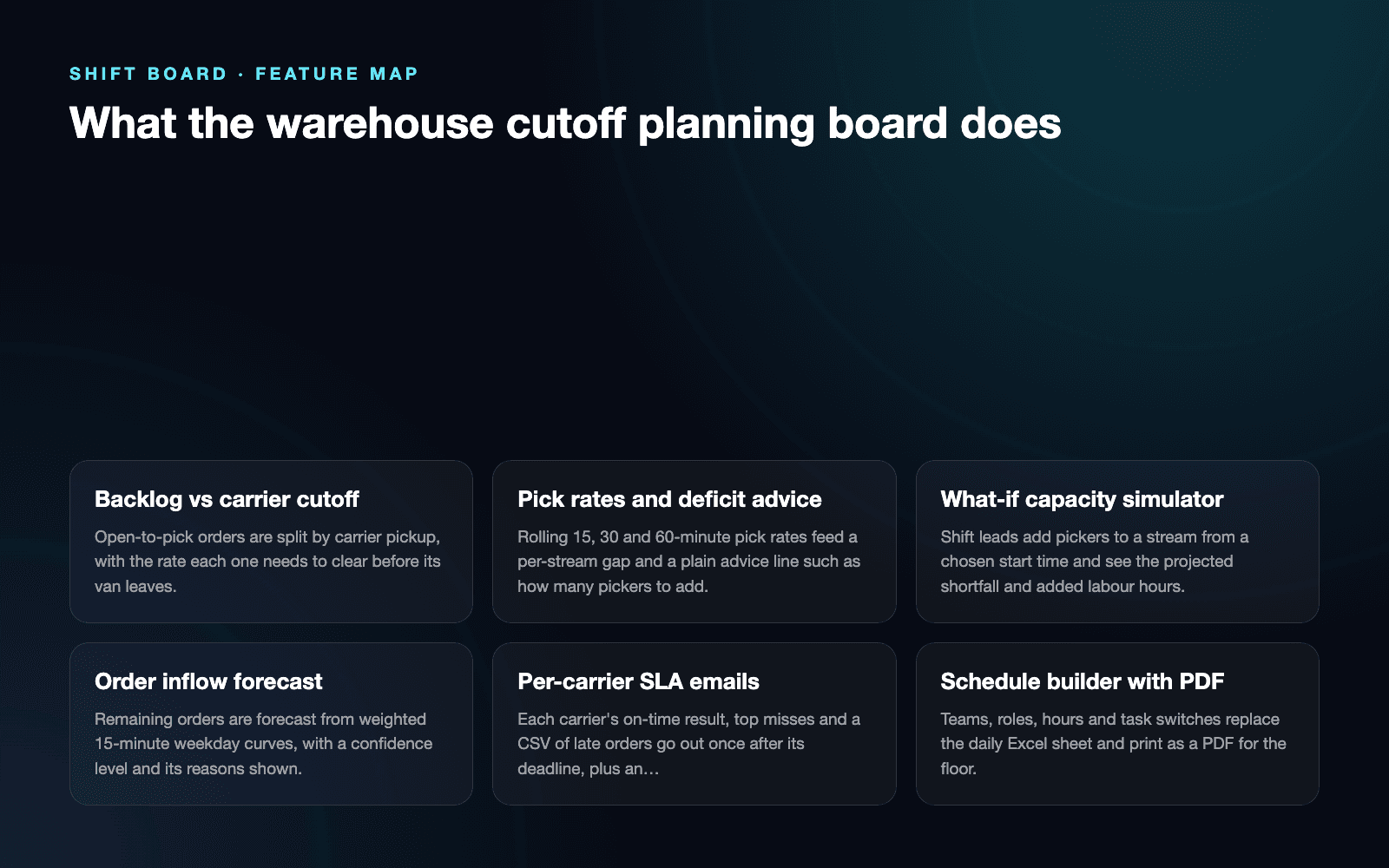
What the warehouse cutoff planning board does
Backlog vs carrier cutoff
Open-to-pick orders are split by carrier pickup, with the rate each one needs to clear before its van leaves.
Pick rates and deficit advice
Rolling 15, 30 and 60-minute pick rates feed a per-stream gap and a plain advice line such as how many pickers to add.
What-if capacity simulator
Shift leads add pickers to a stream from a chosen start time and see the projected shortfall and added labour hours.
Order inflow forecast
Remaining orders are forecast from weighted 15-minute weekday curves, with a confidence level and its reasons shown.
Per-carrier SLA emails
Each carrier's on-time result, top misses and a CSV of late orders go out once after its deadline, plus an end-of-day summary.
Schedule builder with PDF
Teams, roles, hours and task switches replace the daily Excel sheet and print as a PDF for the floor.
AI roster parsing
A screenshot of the planning tool is read by Gemini into names, hours and departments, with no invented fallback rows.
Tasks, checklists and reports
Floor tasks, shift checklists, a picker leaderboard and returns reporting sit in the same board.
04 / Workflow
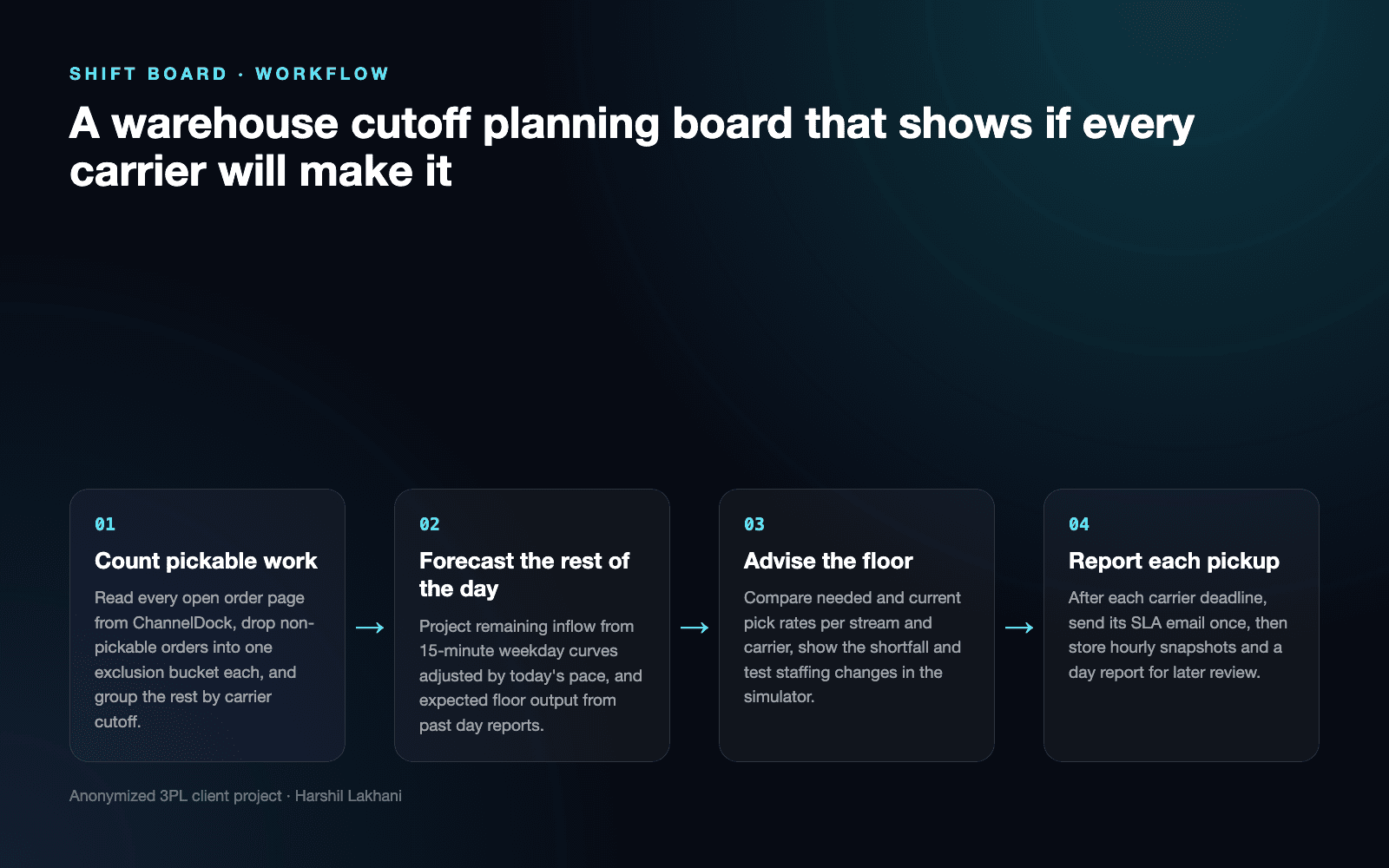
How it works, step by step
- 01
Count pickable work
Read every open order page from ChannelDock, drop non-pickable orders into one exclusion bucket each, and group the rest by carrier cutoff.
- 02
Forecast the rest of the day
Project remaining inflow from 15-minute weekday curves adjusted by today's pace, and expected floor output from past day reports.
- 03
Advise the floor
Compare needed and current pick rates per stream and carrier, show the shortfall and test staffing changes in the simulator.
- 04
Report each pickup
After each carrier deadline, send its SLA email once, then store hourly snapshots and a day report for later review.
05 / Product screens
Product screens
Select a screen to inspect the interface, workflow and operational details more closely.
Feature map
06 / What changed
The practical result
- Shift leads plan against separate carrier cutoffs instead of one late deadline that hid earlier misses.
- The pickable backlog now matches the ChannelDock portal, so staffing calls start from a number the floor trusts.
- Carrier SLA emails arrive once per pickup even when a cron run is late, missed or doubled, and the daily schedule no longer lives in Excel.
Common questions
Questions about building a similar warehouse cutoff planning board
The board picks it up within minutes and raises the needed pick rate for that carrier. Each refresh recounts the open queue from ChannelDock, and the forecast is recalculated every 15 minutes. Orders that arrive after the forecast boundary are taken off what is still expected, so the late wave is not counted twice.
It shows the gap in orders per hour for each stream and turns it into a picker count. If the slow stream needs 40 more orders an hour at 30 per picker, it advises two extra pickers. The what-if simulator then shows how much of the shortfall that move would clear.
Yes, each carrier group has its own cutoff, grace period and pickup days. Groups are matched by shipment method ID, so services with similar names stay on the right run. A fallback group catches any new shipment method, and weekend rules decide which carriers collect on Saturday and Sunday.
The next run sends it, and it is never sent twice. Every run asks for emails that are due and not yet sent, and claims each one in a Firestore transaction first. A failed send is retried up to five times, then flagged. A doubled run finds the claim and skips.
It shows its own confidence level and the reasons for it. The forecast weights the last six matching weekdays in 15-minute blocks, caps outlier blocks, and blends in today's pace, at full weight once a quarter of normal volume has arrived. With fewer than three matching weekdays it falls back to a broader profile and reports Low confidence.
Yes, a screenshot of the planning tool can be uploaded and read by an AI model. Gemini extracts names, hours and departments only, without guessing which order stream each person works. If parsing fails, the board shows an error instead of filling the roster with sample rows that would distort capacity.
Work with me
Need a cutoff planning board for your warehouse?
I build live planning and SLA tools for 3PL warehouses, connected to your WMS or order platform and shaped around your carrier pickups.
Discuss your projectKeep exploring
Related case studies
Warehouse Operations Dashboard | Real-Time Workforce Control
A real-time warehouse operations dashboard for staffing, task assignment, attendance, activity history and operational reporting.
Read the warehouse operations dashboard case studyEnterpriseSorter Monitor | Parcel Sorter Lane Accuracy
A webhook service that checks every parcel sorter scan against carrier barcode rules, catches mis-sorts and emails hourly lane accuracy reports.
Read the parcel sorter accuracy monitor case studyEnterpriseOpsDesk AI | Fulfilment Operations Platform
A 3PL logistics automation case study covering seller operations, support, order investigations, credits, analytics and warehouse workflows.
Read the 3PL fulfilment operations platform case study